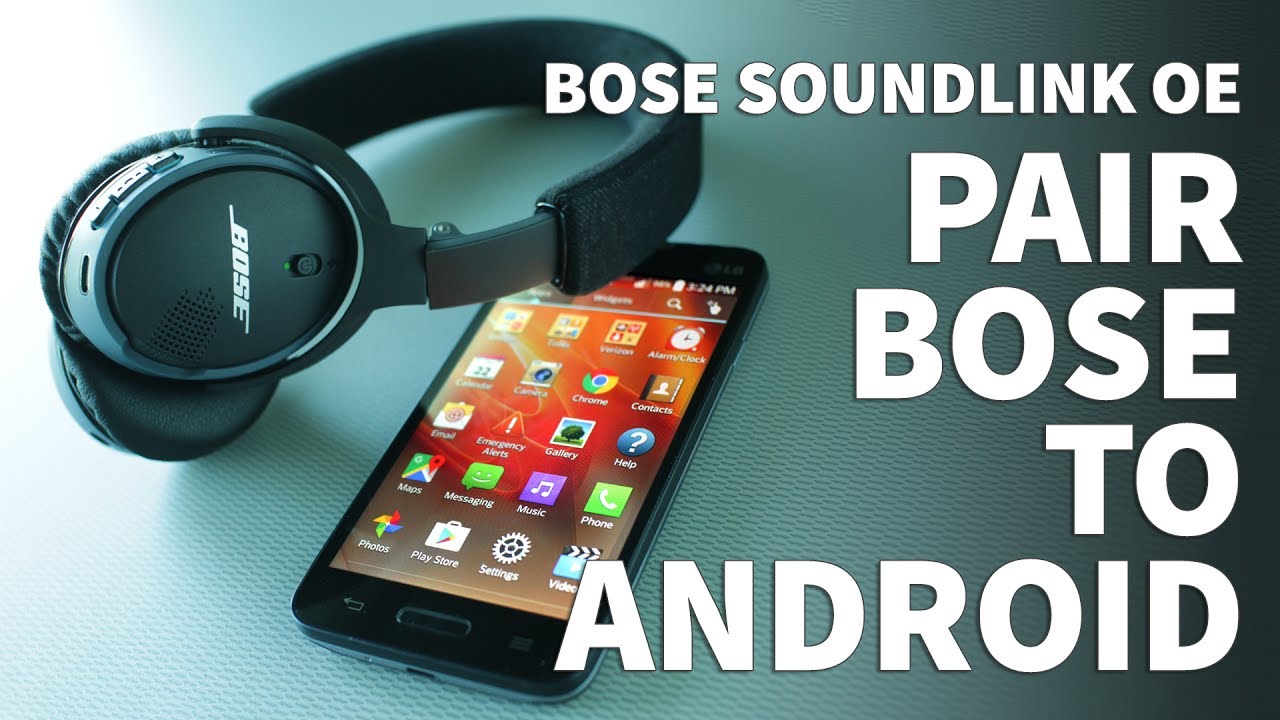
How To Connect Bose Headphones to iPhone
It can be really frustrating when you want to listen to music on your iPhone, but you can’t because your headphones are nowhere to be found. Well, have no fear! This tutorial will show you how to connect Bose headphones to an iPhone in a few simple steps.
What you need
In order to connect Bose headphones to your iPhone, you will need the following:
-A pair of Bose headphones
-An iPhone that is compatible with the Bose headphones
-The Bose Connect app (free from the App Store)
The process
Connecting your Bose headphones to your iPhone is simple and can be done in a few quick steps:
1. Open the Bose Connect app on your iPhone.
2. Put your Bose headphones into pairing mode by holding down the power button for 5 seconds.
3. The app will automatically search for compatible devices and should display your Bose headphones within a few seconds.
4. Tap on your Bose headphones in the app to connect them to your iPhone.
5. You’re all set! You can now enjoy your music without having to worry about wires getting in the way.
Tips and tricks
Here are a few tips and tricks to help you get the most out of your Bose headphones:
-If you have multiple devices that you want to connect to your Bose headphones, you can do so by using the Bose Connect app. Simply follow the steps above to connect each device.
-You can also use the Bose Connect app to manage which devices are connected to your Bose headphones and how they are connected (e.g. via Bluetooth or NFC).
-If you want to use your Bose headphones with multiple devices at the same time (e.g. your iPhone and your laptop), you can do so by connecting them to each device using the Bose Connect app.
Troubleshooting
If you’re having trouble connecting your Bose headphones to your iPhone, here are a few things to try:
-Make sure that your Bose headphones are in pairing mode (see step 2 above).
-Make sure that your iPhone is within range of your Bose headphones.
-Restart the Bose Connect app on your iPhone.
-Restart your iPhone.
-Update the firmware on your Bose headphones. You can do this by going to the Bose Connect app, tapping on your Bose headphones in the “My Devices” list, and then tapping on “Update Firmware.”
FAQs
Q: Can I use my Bose headphones with other devices?
A: Yes! You can connect your Bose headphones to multiple devices using the Bose Connect app.
Q: What if I don’t have the Bose Connect app?
A: No problem! You can download it for free from the App Store.
Q: How do I know if my iPhone is compatible with my Bose headphones?
A: Check the list of compatible devices on the Bose website.
Conclusion
In this article, we’ve shown you how to connect Bose headphones to an iPhone. If you have any questions, feel free to leave a comment below. And if you found this article helpful, why not share it with your friends?
Hi,
I was looking over good2goapp.com to see if you are currently utilizing Google Ads to capture active search traffic in your market.
Your competitors are paying to sit at the top of Google, which basically means when customers search for your services — they are seeing their business first, before yours.
Our agency have worked with Google Ads for over 20 years (back when it was still called AdWords) and wanted to see if this is something you’d look into.
We handle everything from setup to optimisation so you don’t have to lift a finger.
Are you open to a quick, text-based example of how we can recapture that traffic for good2goapp.com?
Kind Regards,
Joanna
Hi,
We’ve spent the last 6 years building and refining an automated system that puts your business/offer directly in front of 30M+ website owners — with no manual outreach required.
We use it to drive our own growth, and it’s engineered for high-volume online businesses, including:
Digital Agencies & Consultants (prospecting for clients)
SaaS, Software & Tech Products (driving signups)
B2B Lead Generation companies (building inbound pipelines)
Affiliate, CPA & Info-Product Marketers (scaling campaigns)
eCommerce Brands (reaching site owners at scale)
If you run an online offer and want direct access to millions of website owners without adding to your daily workload and would like more information, let me know.
Kate